Corporate Wellness
Ergonomic Assessment for Offices in KL: When Teams Need Support
When a KL office may need ergonomic support, what a practical workstation assessment reviews, and how it differs from training or medical care.
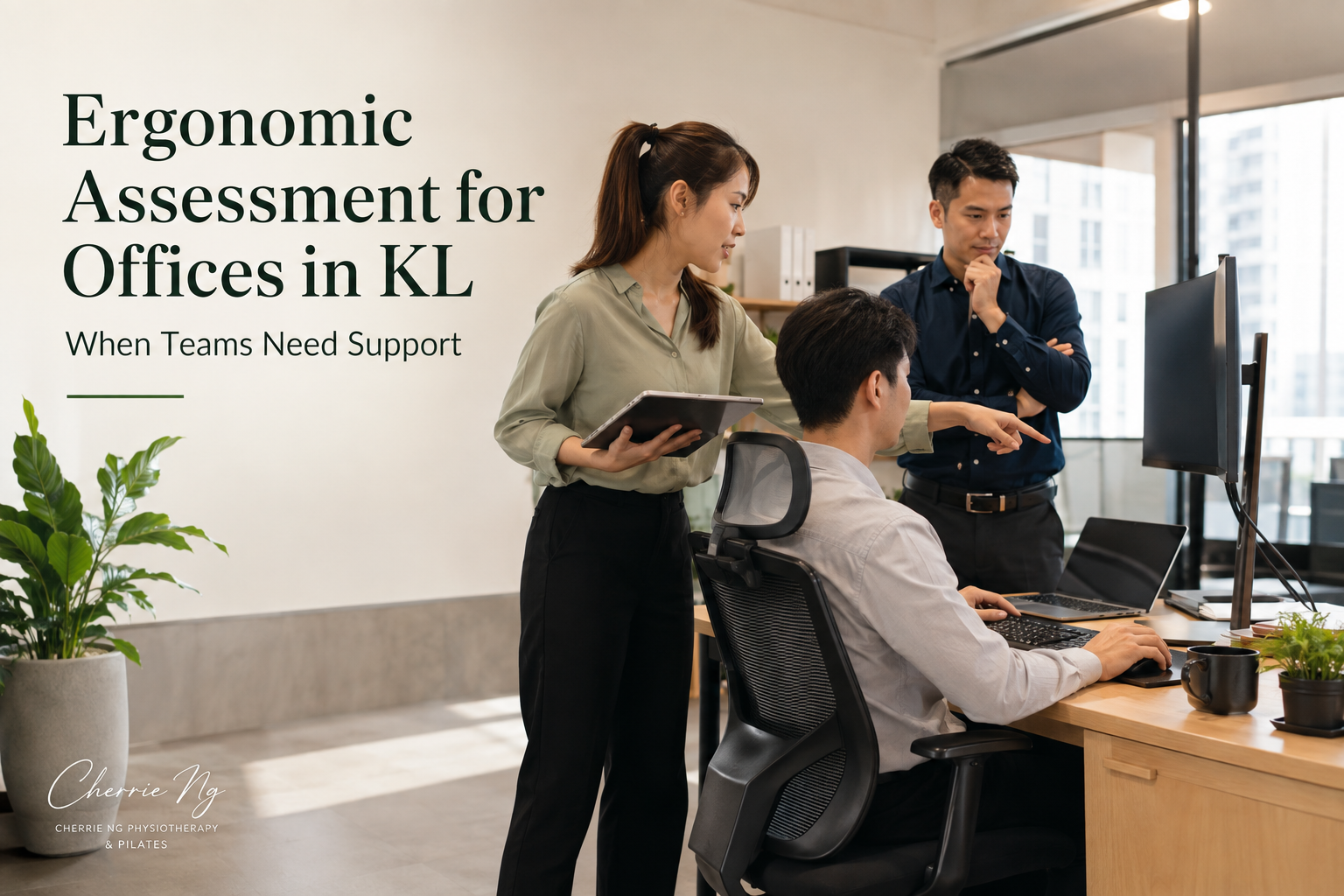
An ergonomic assessment for a KL office is useful when a team needs more than general “sit straight” advice. A practical workstation review looks at the real tasks employees perform, how their chair, screen, keyboard, mouse and laptop are arranged, what can actually be adjusted, and which problems need an individual solution or an organisation-level change.
It should produce a prioritised action list—not diagnose employees, guarantee that pain will disappear or automatically serve as a formal regulatory compliance assessment.
When might an office need ergonomic support?
A workplace review may be worth considering when:
- Several employees report similar desk, neck, shoulder, back, hand or visual-comfort concerns.
- A team relies on laptops without consistent external screens, keyboards or mice.
- Hot desks are shared by people of different heights and working preferences.
- Staff work between the office and home with very different setups.
- The organisation is moving office, changing furniture or planning a large equipment purchase.
- Employees have received a posture talk but still cannot apply the advice to their desks.
- Managers keep solving each request separately without a consistent process.
- One workstation has been repeatedly adjusted without a clear improvement.
These situations do not prove that the workstation caused an employee’s symptoms. They do show that the work system may benefit from a closer, structured review.
What does an office ergonomic assessment look at?
Malaysia’s Department of Occupational Safety and Health (DOSH) 2024 display-screen guidance provides an action-based checklist covering five main areas: keyboards, mouse, display screens, furniture and environment. It says “no” answers should lead to investigation or remedial action, planned actions should be recorded, and follow-up should check whether the changes resolved the problem. DOSH Malaysia 2024 display-screen equipment guideline
A practical office review can use the same problem-solving logic while also considering the employee’s actual work.
Chair and work surface
The review may check whether the employee can use the backrest, support the feet, get close enough to the keyboard and keep enough space under the desk. It also considers whether armrests, drawers or fixed desk height restrict useful positions.
The aim is not to force everyone into identical angles. Shared furniture needs enough adjustability—or simple accessories—to accommodate different users and tasks.
Screen and visual demands
The assessor may observe whether the primary screen is easy to read without repeated leaning, looking far down or turning to one side. Multiple-screen use, glare, text size, lighting, bifocal use and frequent reference to paper documents may all change the most workable setup.
Keyboard, mouse and frequently used equipment
The review looks at whether the keyboard and mouse can stay close enough for comfortable use, whether the employee continually reaches, and whether phones, documents or other tools pull the body away from the main task area.
The US Occupational Safety and Health Administration (OSHA) notes that no single correct posture or component arrangement fits everyone. Its workstation tool uses an evaluation checklist to identify areas for improvement in posture, component placement and the work environment. OSHA computer-workstation ergonomics tool
Laptop, hot-desk and hybrid arrangements
A laptop joins the screen to the keyboard, so raising one also raises the other. A review may identify where stands, docking stations, external input devices or better shared equipment would create more adjustment options.
For hot desks, the important question is not whether one setup looks ideal before staff arrive. It is whether each employee knows how to adjust it quickly and whether the equipment has enough range to fit the people using it.
Work pattern and environment
Equipment is only part of the picture. The review may also consider task duration, meeting patterns, screen-intensive periods, opportunities to change activity, space, glare, temperature, noise and whether staff are permitted to take practical movement breaks.
A new chair cannot solve a work process that leaves no opportunity to change position or task.
What happens during a practical workplace review?
The scope depends on the office and should be agreed before the visit. A review may include:
- A short employer brief: team size, work type, equipment, priority concerns and what decisions the organisation can make.
- A workplace walkthrough: layout, shared equipment, common workstations, lighting and recurring constraints.
- Observation of normal tasks: how employees actually type, use screens, handle documents, attend calls or move between work areas.
- Employee input: what feels difficult, which adjustments have been tried and whether the issue occurs at the office, at home or both.
- Immediate low-risk adjustments: demonstrating chair controls, repositioning equipment or improving reach where appropriate.
- A prioritised action list: no-cost changes, low-cost accessories, equipment or procurement questions, and organisational issues.
- A follow-up plan: who owns each action and when the workplace will check whether it helped.
Photos or notes should be handled with the organisation’s consent and privacy process. Employees should not be required to discuss personal medical information in front of colleagues.
What recommendations may come from the assessment?
Recommendations should be specific enough to act on. They may fall into four levels.
Use what is already available
- Teach employees how to use the chair and monitor adjustments.
- Move the mouse, keyboard or frequently used items closer.
- Reassign the primary screen or change its position.
- Reduce glare by changing screen or blind position.
- Clear storage that blocks leg space.
Add simple equipment where justified
- A stable footrest when the feet cannot be supported after setting the chair for desk height.
- A laptop riser with external keyboard and mouse for longer laptop work.
- A document holder, headset or monitor arm when the task makes it useful.
The assessment should explain the problem an accessory is meant to solve. Buying products labelled “ergonomic” without checking fit and task requirements can create a different mismatch.
Improve purchasing decisions
For office moves or equipment replacement, the report may identify the adjustment range, dimensions and task requirements that procurement should check. Trialling equipment with actual users can be more informative than choosing by appearance alone.
Change the work process
Some issues need management support: task rotation, realistic screen breaks, access to alternative work areas, hybrid-work equipment policies, maintenance or a clear route for employees who need individual help.
Workshop, workstation review or individual assessment?
These formats solve different problems:
- Corporate posture workshop: shared education for a team, with demonstrations and common self-checks.
- Practical workstation review: closer observation of the office, tasks and equipment, followed by an action list.
- Individual physiotherapy assessment: private evaluation when one person has persistent or changing symptoms and needs clinical reasoning.
- Formal ergonomics risk assessment: an occupational-safety process with a defined scope, methodology and documentation requirements.
DOSH separately publishes its Guidelines on Ergonomics Risk Assessment at Workplace 2017. If an organisation requires a formal ergonomics risk assessment, statutory compliance documentation or advice about legal duties, it should confirm the required scope and competent provider with DOSH or an appropriately qualified occupational-safety professional. A corporate wellness visit should not be presented as formal certification unless that scope has been explicitly established. DOSH ergonomics risk-assessment guideline resource
Will an ergonomic assessment prevent pain?
It would be misleading to promise that. A Cochrane review of 15 randomised trials involving 2,165 office workers found inconsistent evidence for physical ergonomic interventions, while evidence for training and multifaceted interventions was low to very low certainty. Workstation adjustment in one included study did not reduce upper-limb pain or discomfort compared with no intervention. Cochrane review of ergonomic interventions for office workers
An assessment can still be valuable as a structured way to identify mismatches, use existing equipment better, plan purchases and assign follow-up actions. Those are practical workplace outcomes, not guaranteed medical outcomes.
When does an employee need individual care?
From a physiotherapy perspective, a general workstation review is not enough when symptoms are persistent, worsening, spreading, affecting sleep or daily activity, or associated with concerns such as numbness or weakness. The employee may need a private assessment rather than more adjustments made in public.
Cherrie may ask about symptom behaviour, work and home setups, movement, strength, activity outside work and previous health history. Any clinical plan should remain separate from the employer’s general workplace report unless the employee gives appropriate consent.
How employers can prepare
Before requesting office ergonomic support, share:
- Office location and access arrangements
- Approximate team size and roles
- Main devices, furniture and shared-desk pattern
- Whether the request concerns selected workstations or the wider office
- Common themes without identifying employees unnecessarily
- Recent or planned furniture purchases
- Hybrid or home-working arrangements
- The expected output: education, practical adjustments, a summary action list or another clearly defined scope
This information helps determine whether a workshop, workstation review, individual assessment or occupational-safety referral is the better next step.
Related reading
- On-Site Physiotherapy for Offices in KL: What HR Teams Should Know
- Corporate Wellness Workshop vs On-Site Physiotherapy: Which Does Your Team Need?
- Ergonomics Workshop vs Workstation Assessment: Which Does Your Team Need?
- Physiotherapist-Led Corporate Wellness: What Makes the Approach Different?
- Corporate Wellness Ideas in KL: 8 Practical Activities for Office Teams
- Desk Ergonomics in KL: Simple Setup Tips for Neck and Back Strain
- Corporate Wellness Posture Workshop in KL: What Teams Learn
- Neck Pain Physiotherapy in KL: Why It Happens and What Helps
- Office Stretching Routine: Simple Movement Breaks for Desk Workers
Sources and clinical references
- DOSH Malaysia: Guidelines on Occupational Safety and Health for Working with Display Screen Equipment 2024
- OSHA computer-workstation ergonomics tool
- DOSH Malaysia: Guidelines on Ergonomics Risk Assessment at Workplace 2017
- Cochrane review: Ergonomic interventions for preventing upper-limb and neck disorders among office workers
Frequently asked questions
Does every employee need an individual workstation assessment?
Not necessarily. A representative sample and review of shared systems may identify common issues, while selected employees may need private follow-up. The appropriate scope depends on team size, task variation and the organisation’s purpose.
How long does an office ergonomic assessment take?
It depends on the number and variety of workstations, whether employees are observed during real tasks, the size of the workplace and the reporting required. Confirm the scope before scheduling rather than assuming one fixed package.
Should we buy new chairs before the assessment?
Usually it is more useful to understand the problems, users and tasks first. Existing chairs may simply need adjustment, while new purchases should be checked for fit, adjustment range and compatibility with the desks.
Is an ergonomic assessment the same as physiotherapy?
No. A workplace review focuses on tasks, equipment and environment. Physiotherapy is individual clinical care for a person’s symptoms and function. One may identify the need for the other, but privacy and scope should stay clear.
Practical ergonomic support for offices may be arranged in Kuala Lumpur and selected Selangor areas, subject to the brief, workplace access, travel and availability. WhatsApp Cherrie with the office location, team size and goals so the appropriate scope can be discussed.
Foundational clinical sources and further reading
These authoritative sources provide general background relevant to this topic; they are not claim-by-claim citations. This content is educational and does not replace individual assessment, diagnosis or emergency medical care.
- What is physiotherapy? — World Physiotherapy