Posture
Standing Desk Back Pain: Why Standing More Is Not Always Better
Learn why a standing desk may still cause back pain, how to adjust a sit–stand setup, and why changing position matters more than standing all day.
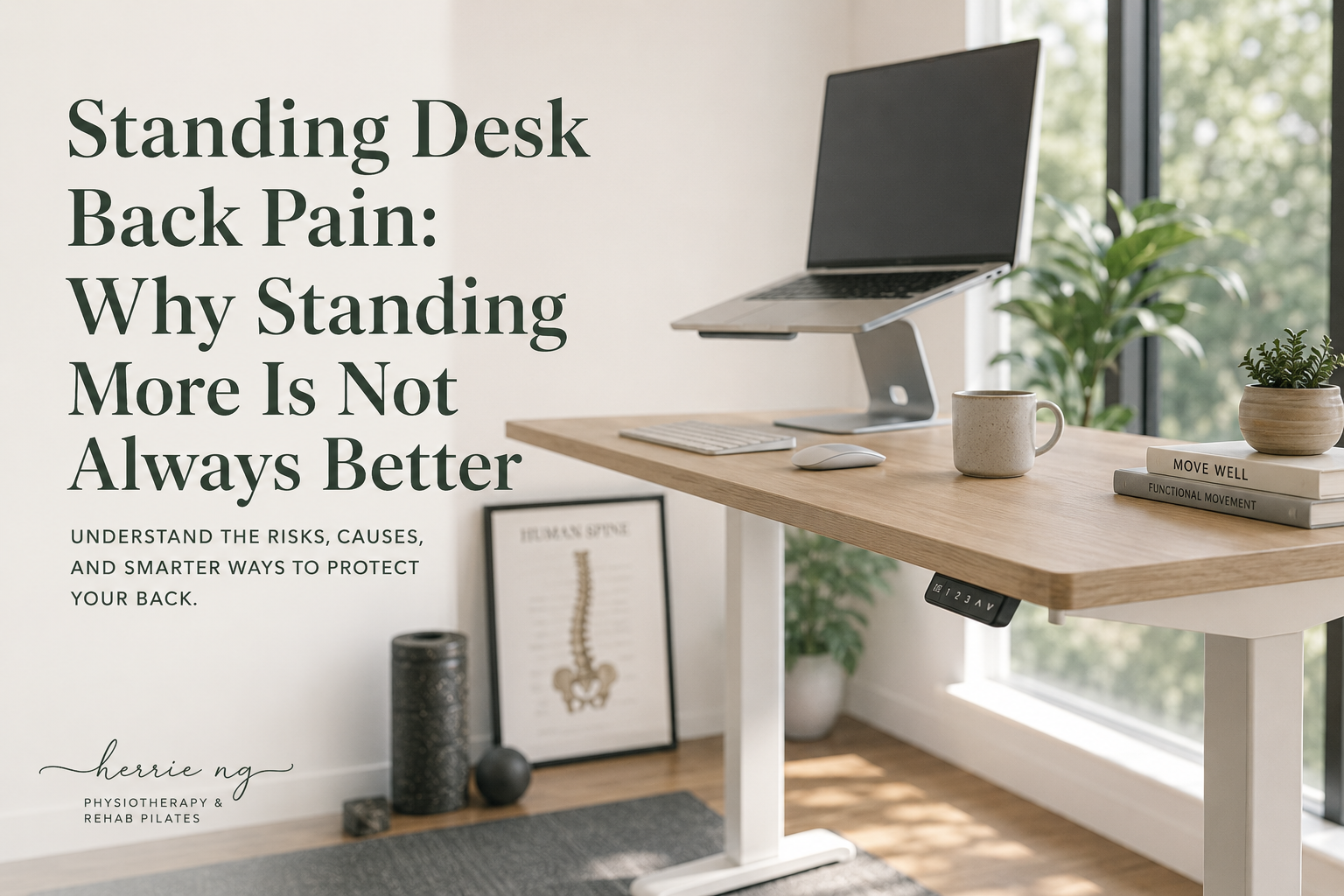
A standing desk can give you another working position, but standing for the whole day is not automatically better for your back. If back pain appears while standing, the answer may be to adjust the workstation, reduce continuous standing time, move more often and assess other factors—not to force yourself to “get used to it.”
For desk workers in Kuala Lumpur and Selangor, a sit–stand desk is best viewed as a tool for changing position. It is not a treatment by itself and does not replace walking, exercise, recovery or an assessment when symptoms persist.
Do standing desks help back pain?
Some people feel more comfortable when they can alternate between sitting and standing. However, research has not established that a sit–stand desk will reliably reduce back pain for everyone.
A Cochrane review of 10 workplace studies involving 955 workers found insufficient evidence that sit–stand or treadmill workstations reduced low-back or upper-back symptom intensity. The available evidence was low or very low quality, partly because studies were small and differed in design. Cochrane review of standing and walking interventions for musculoskeletal symptoms
This means a standing desk may still be useful for comfort or variety, but it should not be sold as a guaranteed solution. Your response matters more than the product label.
Why can a standing desk cause back pain?
Standing-desk discomfort does not identify one diagnosis. Several practical issues may contribute.
You changed too much, too quickly
Switching from mostly sitting to several continuous hours of standing creates a new demand on the back, hips, legs and feet. Even when the position looks good, your current tolerance may not match the duration.
There is no need to prove that you can stand all morning. Short, comfortable standing periods that alternate with sitting and walking are often a more manageable starting point.
Standing has become another static posture
Replacing long, still sitting with long, still standing does not create much movement variety.
A review reported by the US National Institute for Occupational Safety and Health found that prolonged standing at work was associated with increased low-back pain, physical fatigue, muscle pain, leg swelling and general discomfort. The review concluded that dynamic movement appeared to be the best way to reduce problems related to prolonged standing. NIOSH review of prolonged standing at work
The concern is prolonged static exposure—not that ordinary standing is dangerous.
The desk is still set for sitting
If the desk is too low in standing, you may keep leaning down or reaching forward. If it is too high, the shoulders may lift while typing. A screen that remains low can also encourage repeated neck and upper-back bending.
A height-adjustable desk only helps when the screen, keyboard and mouse can be positioned for both sitting and standing.
You are searching for one perfect standing posture
Trying to lock the knees, pull the shoulders back and brace the abdomen throughout the workday can become tiring. Standing does not need to look rigid.
Allow small weight shifts, use both feet, take steps and sit when you need to. A posture can be acceptable without being held perfectly still.
The pain may not be mainly about the desk
Back pain can be influenced by recent activity, an existing flare-up, sleep, stress, work demands, exercise load or symptoms involving the leg. A workstation change may not address the main issue.
If the pain keeps returning or changes how you walk, sleep or exercise, assessment may be more useful than repeatedly changing desk accessories.
How should you set up a standing desk?
Use these points as adjustable starting positions, not strict measurements.
Set the keyboard and mouse first
Raise or lower the work surface until you can use the keyboard with the shoulders relaxed and elbows reasonably close to the body. Keep the mouse beside the keyboard rather than reaching out to one side.
The US Occupational Safety and Health Administration recommends computer-working positions with the shoulders relaxed, elbows close to the body and wrists generally aligned with the forearms. It also recommends frequent position changes rather than staying in one posture for a prolonged period. OSHA guidance on computer working positions
Then adjust the screen
Place the main screen directly in front at a height and distance that lets you read without repeatedly looking down or leaning forward. Increase text size if you keep moving closer to the screen.
If a laptop is the main computer, a separate keyboard and mouse usually provide more freedom to raise the screen while keeping the hands at a comfortable height.
Give your feet options
Stand with enough space to change your foot position. You can briefly place one foot on a low, stable rest if that feels comfortable, then switch sides or return both feet to the floor.
Footwear, floor surface and previous foot or leg symptoms may affect tolerance. No shoe, mat or footrest guarantees that prolonged standing will become comfortable.
Keep the chair available
A sit–stand workstation should still let you sit. The chair is not a failure; it is one of your movement options.
OSHA presents upright sitting, reclined sitting and standing as different acceptable working positions and advises changing position frequently. OSHA guidance on computer working positions
How long should you stand at a standing desk?
There is no evidence-based sitting-to-standing ratio that suits every person with back pain. Your work tasks, footwear, symptoms, current capacity and health all matter.
Instead of starting with a rigid timer:
- Begin with a standing period that feels manageable.
- Change position before discomfort becomes intense.
- Alternate standing with supported sitting, brief walking and other tasks.
- Notice whether symptoms settle after changing position or continue to build.
- Increase standing time only when the current amount remains comfortable.
If symptoms appear quickly each time you stand, check the desk height and task first. Forcing longer exposure is not automatically a useful progression.
What should you do when your back hurts while standing?
Respond early instead of waiting until the pain becomes severe:
- Sit, walk briefly or change the task.
- Check whether the keyboard is making you reach down, up or forward.
- Bring the mouse and frequently used items closer.
- Relax unnecessary bracing and let your weight shift.
- Consider whether the same symptom occurs during walking, lifting or exercise.
- Track whether the response settles after the workday or keeps worsening.
A temporary ache does not automatically mean damage, but spreading symptoms, noticeable weakness or a steadily worsening pattern should not be managed only by changing desk height.
Can movement breaks help?
Movement breaks do not need to be a complicated stretching routine. Standing up from sitting is a change; walking after standing is another.
Options may include:
- Walking while taking a suitable phone call
- Refilling water between focused tasks
- Alternating screen work with a non-screen task
- Moving the hips, upper back or shoulders comfortably
- Taking a few relaxed steps before returning to the desk
The purpose is to interrupt static exposure. There is no single movement that every desk worker must perform.
What may a physiotherapy assessment look at?
Cherrie may ask whether pain appears during sitting, standing or both; how quickly it starts; what makes it settle; and whether it affects sleep, walking, lifting or exercise.
An assessment may consider:
- Your sitting and standing workstation positions
- How symptoms respond to changing position or walking
- Back, hip and leg movement
- Strength or endurance relevant to the workday
- Whether pain, tingling or numbness travels into the leg
- Recent changes in work hours, exercise or daily activity
- Footwear and standing surface when relevant
- Your goals for work, exercise and daily function
The plan may include desk adjustment, movement options, gradual strength or endurance work, task pacing and rehab Pilates when appropriate. The aim is to improve function, not make you dependent on one “correct” posture.
When should you seek medical care?
Seek urgent medical care for back pain accompanied by pain, tingling, weakness or numbness in both legs; loss of feeling around the genitals or anus; bladder or bowel changes; chest pain; or pain after a serious accident. Severe pain that starts suddenly, worsens quickly or comes with feeling feverish or generally unwell also needs prompt medical advice. NHS back-pain guidance
For non-urgent symptoms, consider physiotherapy if pain keeps returning, limits your work or sleep, spreads into one leg, or leaves you unsure how to progress sitting, standing and exercise.
Related reading
- Desk Ergonomics in KL: Simple Setup Tips for Neck and Back Strain
- Back Pain from Sitting Too Long: A Guide for Office Workers
- Lower Back Pain Physiotherapy in KL: Common Causes and Next Steps
Sources and clinical references
- Cochrane review: Workplace standing or walking interventions for musculoskeletal symptoms
- NIOSH review of prolonged standing at work
- OSHA guidance on computer working positions
- NHS back-pain guidance
Frequently asked questions
Is standing better than sitting for lower-back pain?
Not universally. Either position may feel better depending on the person and task. The more useful option is often the ability to alternate between supported sitting, standing and movement without forcing one position.
Should I stop using my standing desk if it hurts?
You do not necessarily need to stop permanently. Reduce the duration, review the setup and see whether alternating positions keeps symptoms manageable. Seek assessment if pain persists, worsens or travels into the leg.
Do I need an anti-fatigue mat?
A mat may feel more comfortable on a hard surface, but it is optional and does not replace movement. Try simple setup and duration changes before assuming another product is required.
Can rehab Pilates help standing-desk back pain?
Rehab Pilates may help develop movement options, trunk and hip capacity, breathing and confidence with exercise. It should be adapted to your symptoms and combined with realistic workday changes.
If sitting or standing at your desk keeps triggering back pain in Kuala Lumpur or Selangor, you can WhatsApp Cherrie to ask whether physiotherapy, posture support or rehab Pilates assessment may be suitable.
Foundational clinical sources and further reading
These authoritative sources provide general background relevant to this topic; they are not claim-by-claim citations. This content is educational and does not replace individual assessment, diagnosis or emergency medical care.
- What is physiotherapy? — World Physiotherapy
- Musculoskeletal health — World Health Organization
- WHO guidelines on physical activity and sedentary behaviour — World Health Organization